Your faith journey, easier to organize.
We've made a few thoughtful improvements to help you keep your prayers organized, revisit their journey, and find the records you've saved. Here's what's new in FaithFlow for iOS and Android.
Release period and platform: October 2026Android & iOS
At a glance
- Organize prayers with Sphere, Theme, and Praying for
- Follow a prayer from Released to Answered
- Find journals, prayers, and other records more quickly
Feature details
Prayers, better organized
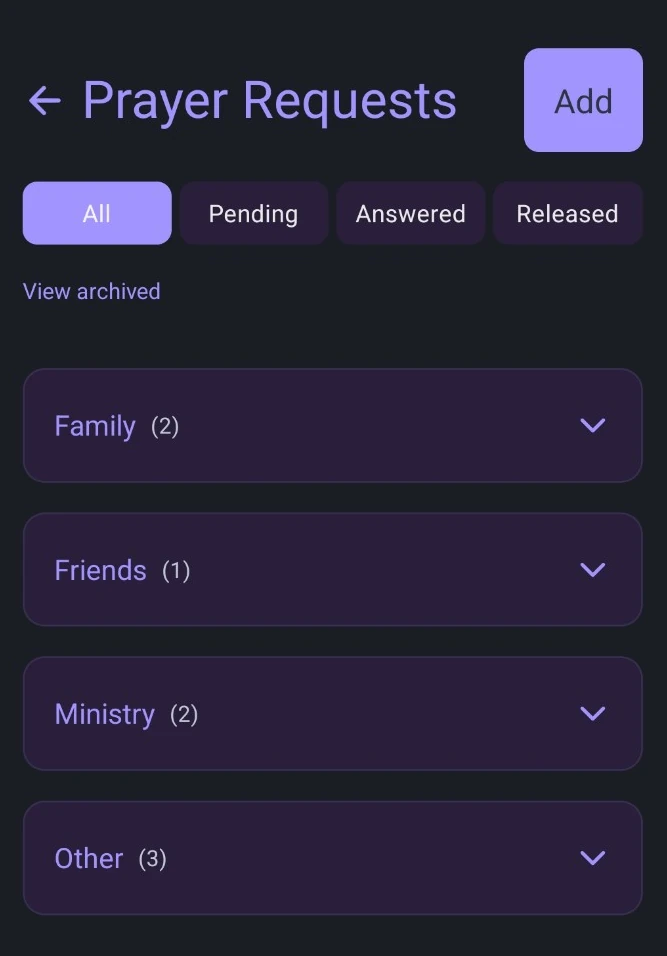
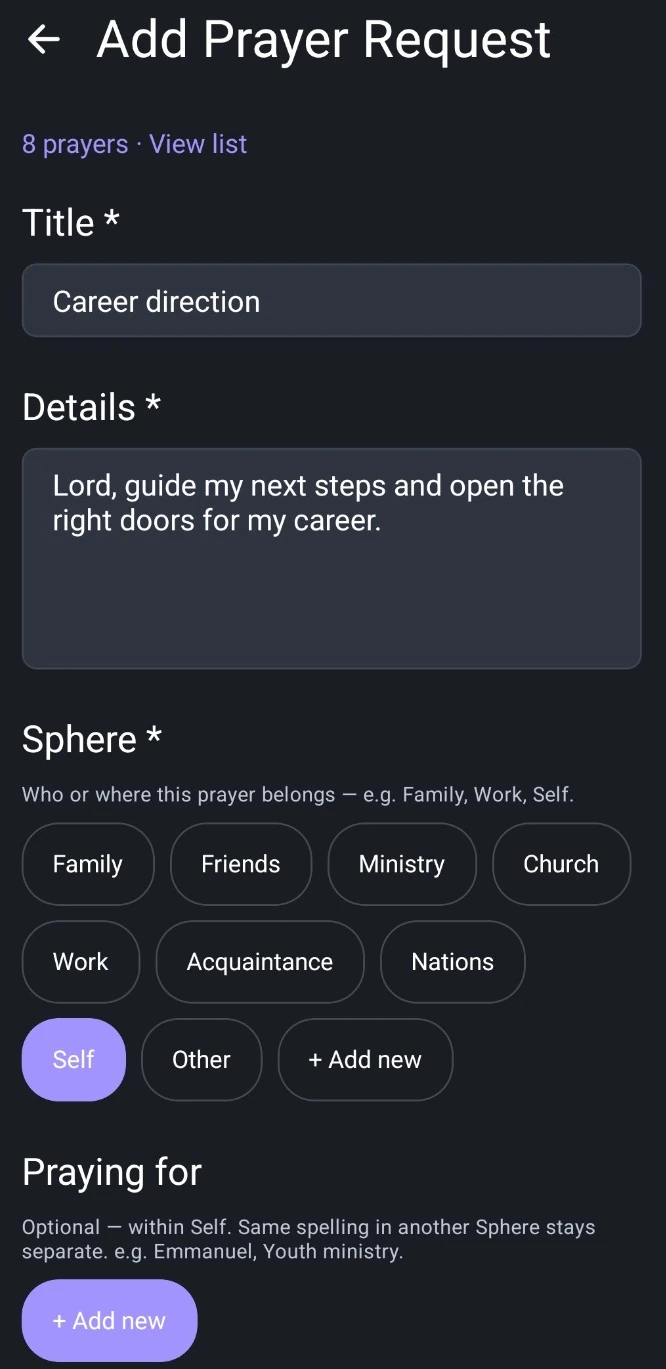
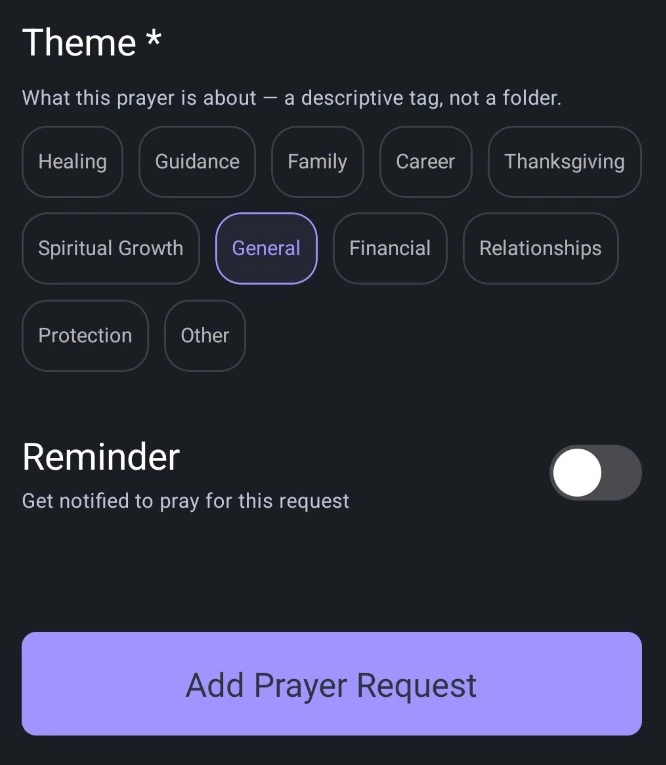
Three simple ideas work together so related prayers stay easier to find.
- Sphere helps you organize where a prayer belongs — for example Family, Friends, Ministry, or Self.
- Theme describes what you're praying about, so you can label and filter with clarity.
- Praying for helps you keep related requests together within the Sphere you selected. People with the same name in different Spheres stay separate.
- You can view related prayers for someone together inside that Sphere.
- Longer prayers are easier to preview and read.
A fuller prayer journey
You can mark progress as life unfolds, and return to those moments later.
- A Released prayer can later become Answered.
- Relevant milestones are recorded along the way.
- Revisit personal updates and important transitions in the Journey timeline.
Two stages
Released to Answered
Stage 1: Released
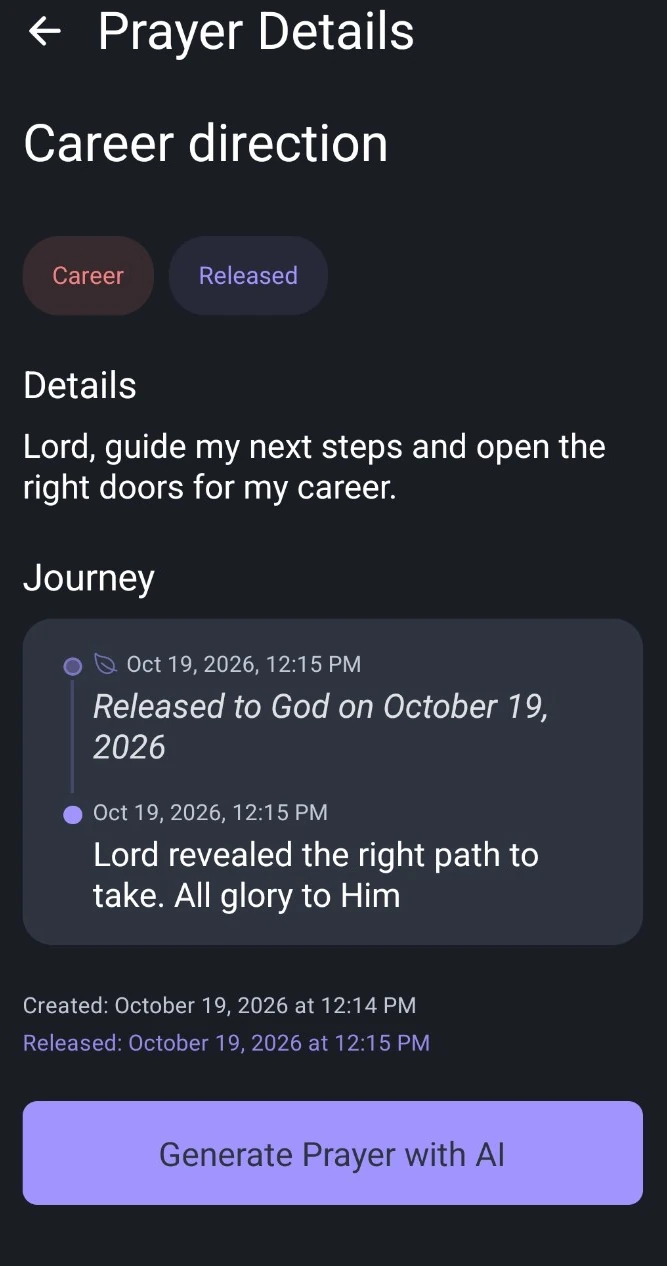
Stage 1 — Released Stage 2: Answered
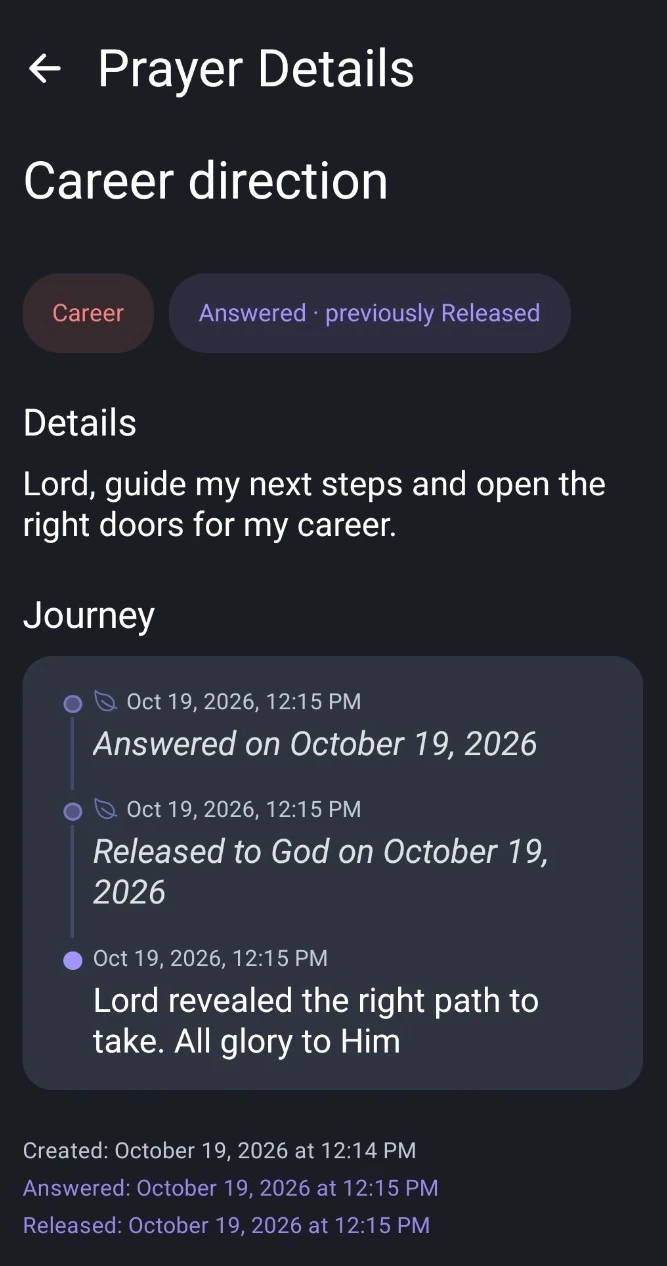
Stage 2 — Answered
Finding your saved records
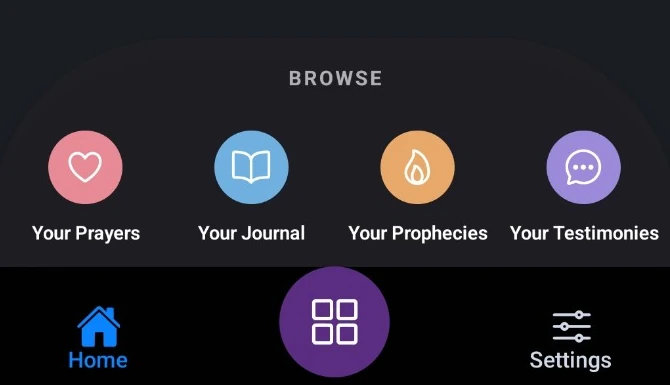
A cleaner path to journals, prayers, prophecies, and testimonies — including Browse from Home.
- On Home, the purple four-square button opens Browse for Journals, Prayers, Prophecies, and Testimonies.
- View list helps you reach saved records from entry screens.
- Clearer warnings when you might leave an unsaved draft.
- Lists of prayers and testimonies feel more responsive.
Other improvements
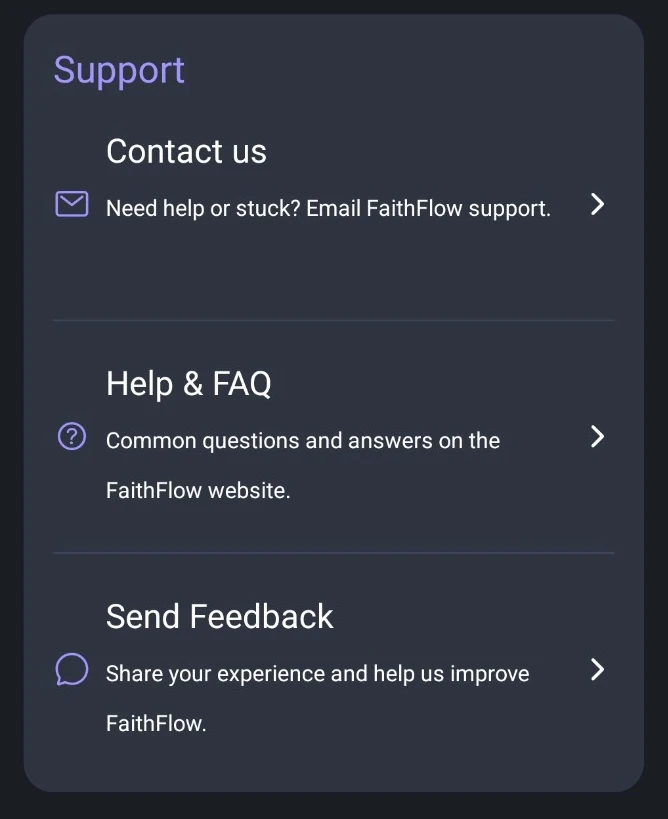
- Contact us, Help & FAQ, and Send Feedback are easier to find in Settings.
- Scripture in devotionals is handled with more care.
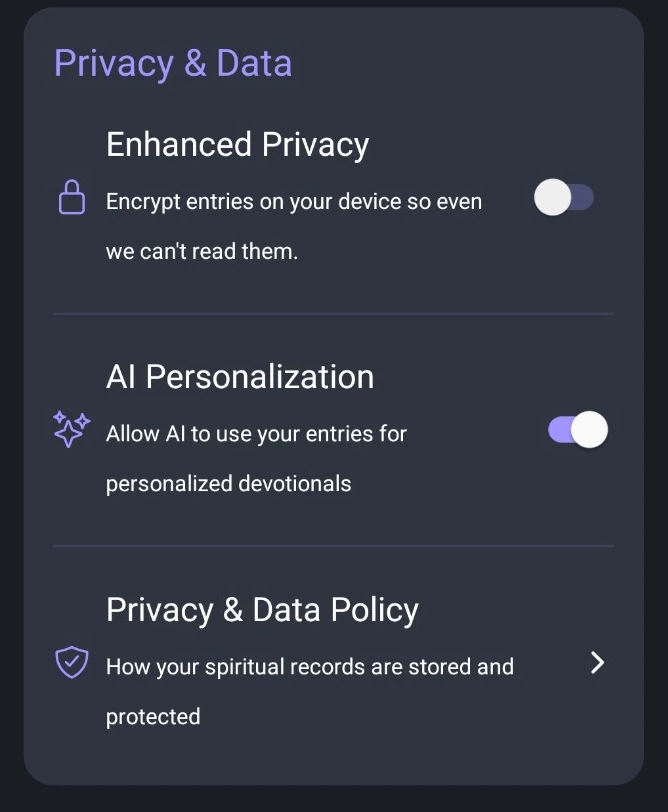
- Optional Enhanced Privacy can protect supported newly entered content when you turn it on. It is not applied retroactively to every existing record.
- Password protection and usability fixes.
Next step
Update FaithFlow from the store for your device.


Questions about the app? Visit Help & FAQ or Contact Support.